
Using Categories
Categories help to organize your Channels into similar topics and are found within the Channel section
How to Create a Category
Having multiple channels can sometimes become a little cluttered, and the more you add, the worse this can become. Create channel categories to help organize all that you’ve created:
-
Log into Your Hub
-
Under Hub Administration navigate to "Channels" or within your Building navigatte to "Channels & Members" and select "Channels"
-
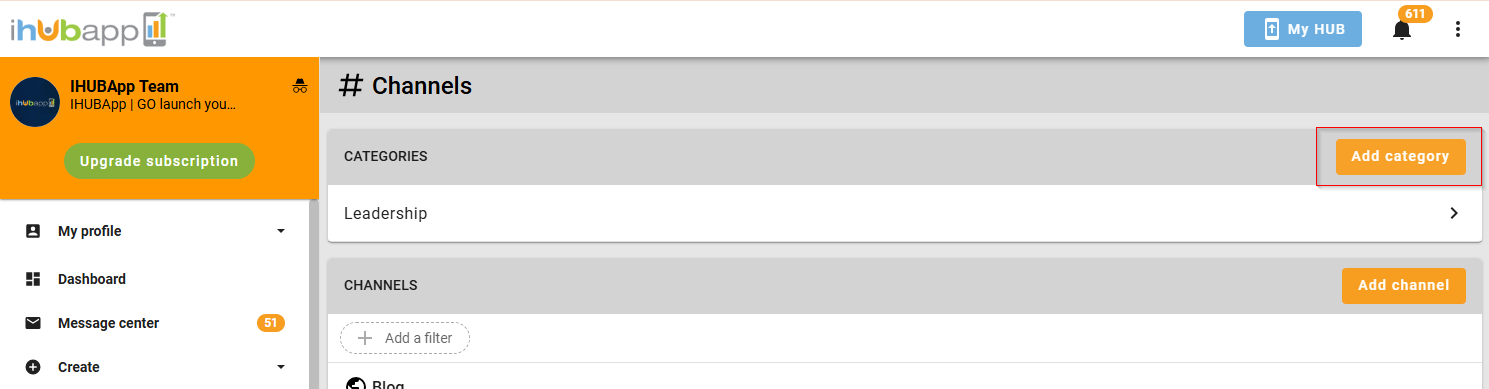
Select the "Add Category" button at the top of the screen
-
Enter the name of your category
-
Click the 'Save' button.
How to Delete a Category
-
-
Navigate to the category you created
-
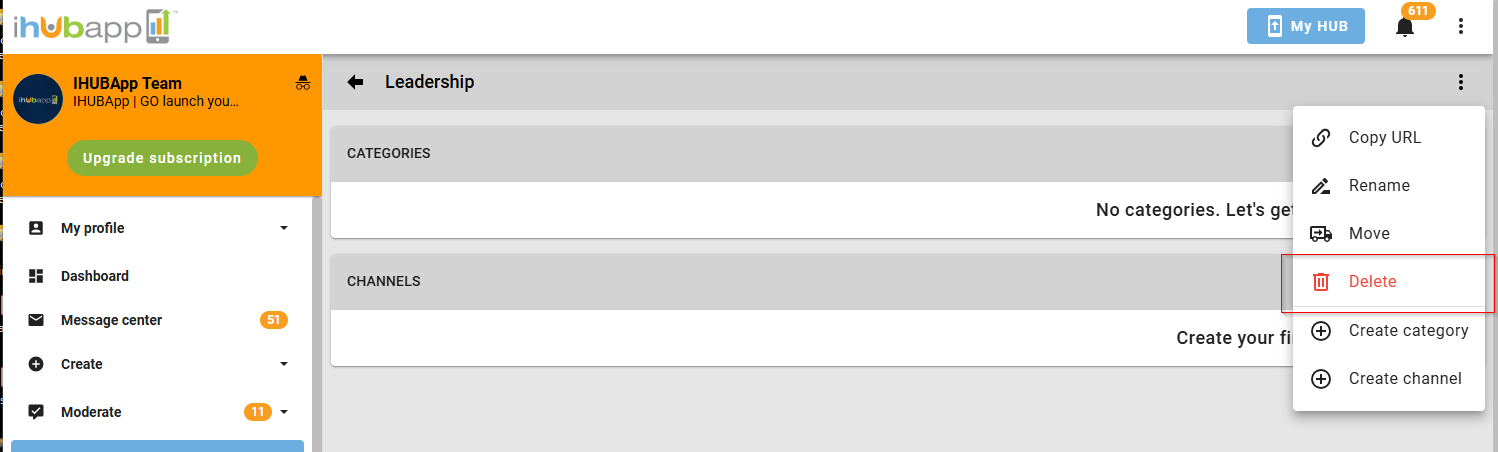
At the top of the screen select the three dots
-
Select "Delete"
-
Comments
0 comments
Please sign in to leave a comment.